



T-Shirt Printing Mastery: A Comprehensive Guide to Design & Technique
Ever wondered how to transform a sketch on a napkin into a wearable work of art? Whether you’re a fashion entrepreneur, brand manager, or DIY enthusiast, mastering t-shirt printing techniques is the key to bringing your vision to life. This guide demystifies the entire process—from concept to cured print—with expert insights with printing methods and design best practices.
Let’s dive into the tools, techniques, and trade secrets that will have you producing professional-grade custom tees in no time. Ready to unlock your creative potential? Let’s start printing!
Core Takeaways
- Master screen printing, DTG, and vinyl application for diverse design needs
- Learn custom t-shirt design principles that balance artistry and print feasibility
- Discover fabric science: how material choice impacts print longevity
- Optimize files for printing with expert tips on resolution and format
- Budget like a pro with insights into bulk pricing and technique costs
The Power of Custom T-Shirts
In a world saturated with generic fashion, custom t-shirts serve as walking billboards for brand identity. They transcend mere clothing, becoming emotional touchpoints that:
- Amplify Brand Recognition: A uniquely designed tee creates 360° brand visibility
- Foster Community: Event tees and team apparel build tribal loyalty
- Drive Engagement: Limited-edition designs spark social media buzz
Common Applications:
- Corporate retreats (team-building swag)
- Marketing campaigns (promotional giveaways)
- Nonprofit initiatives (cause-driven merch)
- Fan culture (band tees, gaming apparel)
Designing for Print: Art Meets Science
Pro Design Principles
- Visual Hierarchy: Lead the eye with bold focal points
- Minimalist Magic: Iconic designs like the Rolling Stones’ lips age timelessly
- Color Theory: Use Pantone Matching System (PMS) for brand consistency
- Typography Tactics: Pair display fonts with legible sans-serifs for readability
Pitfalls to Avoid
| Mistake | Impact | Fix |
| Pixelated graphics | Blurry prints | Use 300+ DPI raster files |
| Overcomplicated layouts | Cluttered look | Embrace white space |
| Ignoring fabric texture | Ink cracking | Test designs on swatches |
| Wrong placement | Off-center prints | Use digital mockups for alignment |
Budgeting & Scaling Your Project
Cost Drivers
- Quantity: Screen printing shines at 50+ units (setup costs amortize)
- Design Complexity: Multi-color designs cost more than single-color prints
- Fabric Premiums: Organic cotton or tri-blends raise per-unit costs
Budgeting Hacks
- Negotiate bulk discounts for 100+ pieces
- Opt for discharge printing (eco-friendly and cost-effective)
- Consolidate designsto share screens across colorways
Printing Techniques: Choose Your Weapon
1. Screen Printing
The workhorse of the industry, ideal for:
- Large runs (100+ tees)
- Bold, solid colors
- Durable prints that withstand washing
Process:
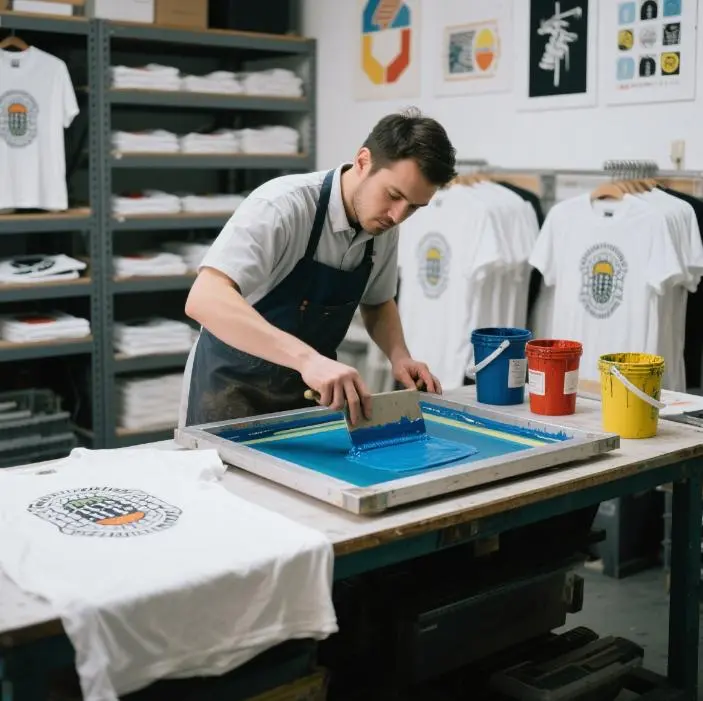
- Create a mesh stencil (screen) for each color
- Force ink through the screen onto the fabric
- Cure with high heat for longevity
2. Direct-to-Garment (DTG)
Digital printing for artistic freedom:
- Photo-realistic designs
- On-demand printing (1-20 tees)
- Soft, breathable prints
Tech Specs:
- Uses CMYK inkjet technology
- Requires pre-treatment for cotton fabrics
- Best on light-colored tees
3. Vinyl Heat Transfer
Perfect for small batches and detailed designs:
- Individual names/numbers for teams
- Glitter or metallic finishes
- Quick turnaround for custom orders
Pro Tip: Use HTV (heat transfer vinyl) for stretchy fabrics like activewear
Fabric Fundamentals: The Canvas Matters
Top Fabric Types
| Material | Feel | Print Compatibility |
| 100% Cotton | Soft, breathable | DTG, screen printing |
| Polyester | Smooth, moisture-wicking | Sublimation printing |
| Cotton-Poly Blend | Durable, minimal shrink | Vinyl transfer |
| Tri-Blend | Retro texture | Discharge printing |
Fabric & Technique Matchmaking
- Sublimation: Works only on polyester (ink bonds with fibers)
- Discharge Printing: Best on 100% cotton (bleaches fabric for vibrant results)
- Screen Printing: Versatile across fabrics but avoid stretchy knits
Prepping Files for Production
File Format Guide
- Vector Files: AI, EPS, PDF (scalable without pixelation)
- Raster Files: PNG (transparent background), JPG (300 DPI minimum)
Critical Submission Tips
- Include Pantone color codes for accuracy
- Provide a mockup with precise placement (chest, back, sleeve)
- Note special finishes (embroidery, foil stamping)
- Share fabric swatches with your printer
The Printing Playbook: Step-by-Step
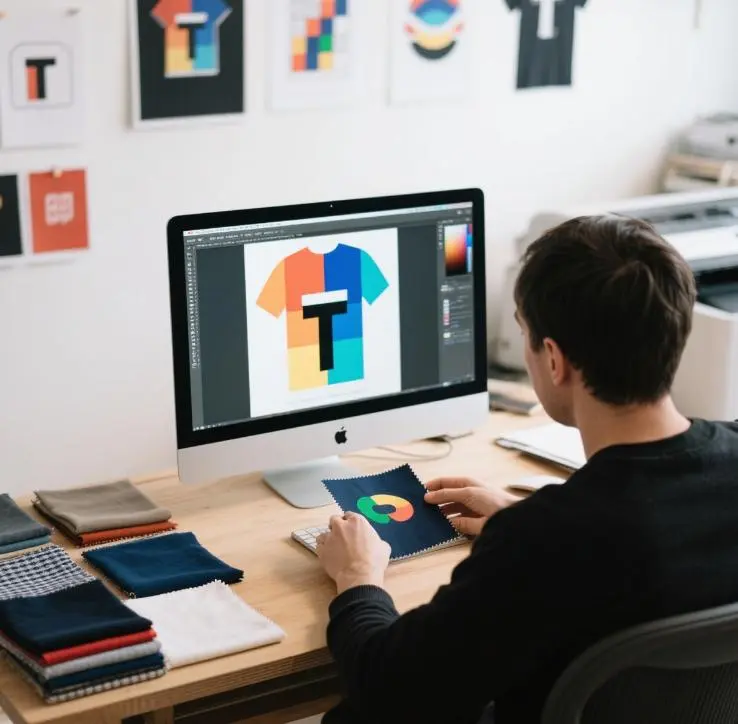
- Design Finalization: Use design software like Adobe Illustrator
- Technique Selection: Match method to quantity and design complexity
- Test Printing: Run a sample on actual fabric
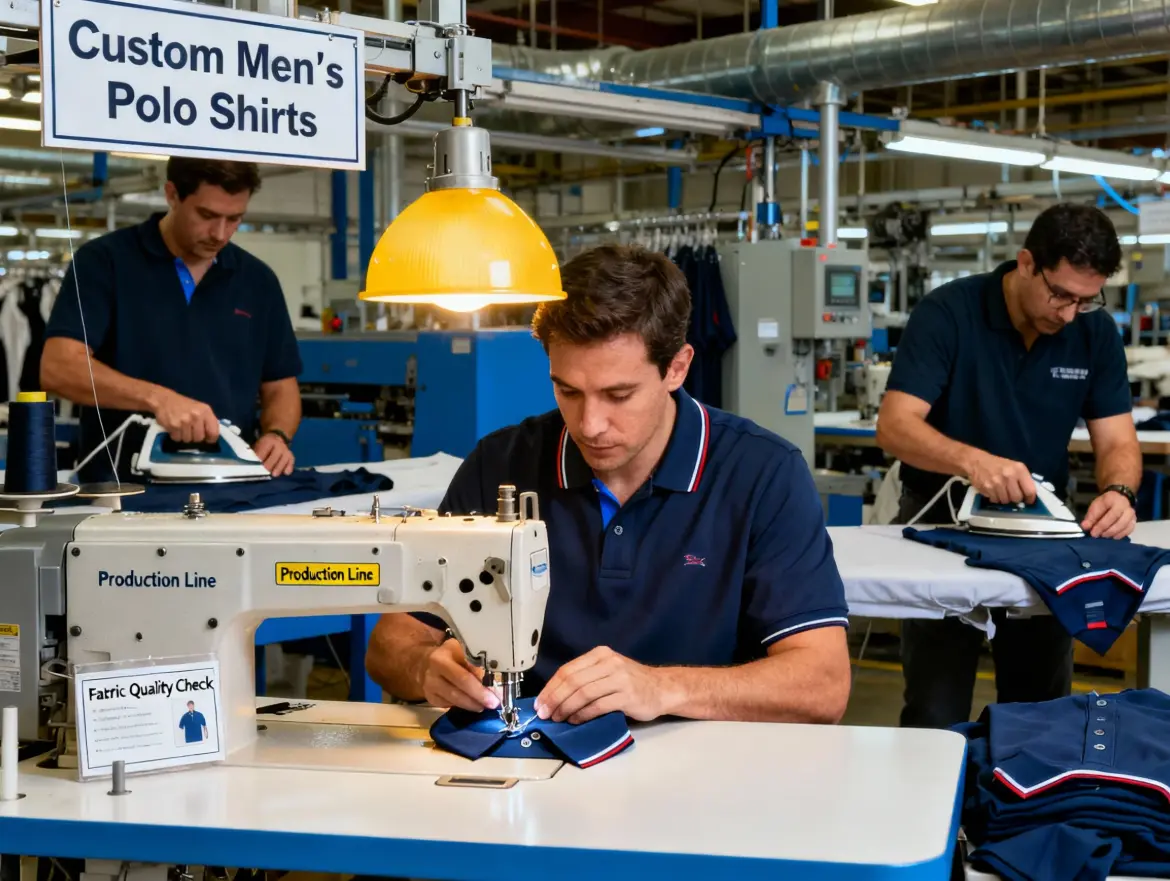
- Production: Monitor ink curing and quality control
- Post-Production: Inspect for defects, fold with acid-free tissue
Conclusion: Print with Purpose
From concept to checkout, every custom t-shirt tells a story. Whether you’re branding a startup or creating family reunion memorabilia, the key lies in balancing creativity with technical know-how. Remember:
- Great design respects print limitations
- Fabric choice is as important as the graphic
- Clear communication with your printer prevents costly errors
Now go forth and print—your next viral design is waiting to be worn!